
AW Recovery EA MT
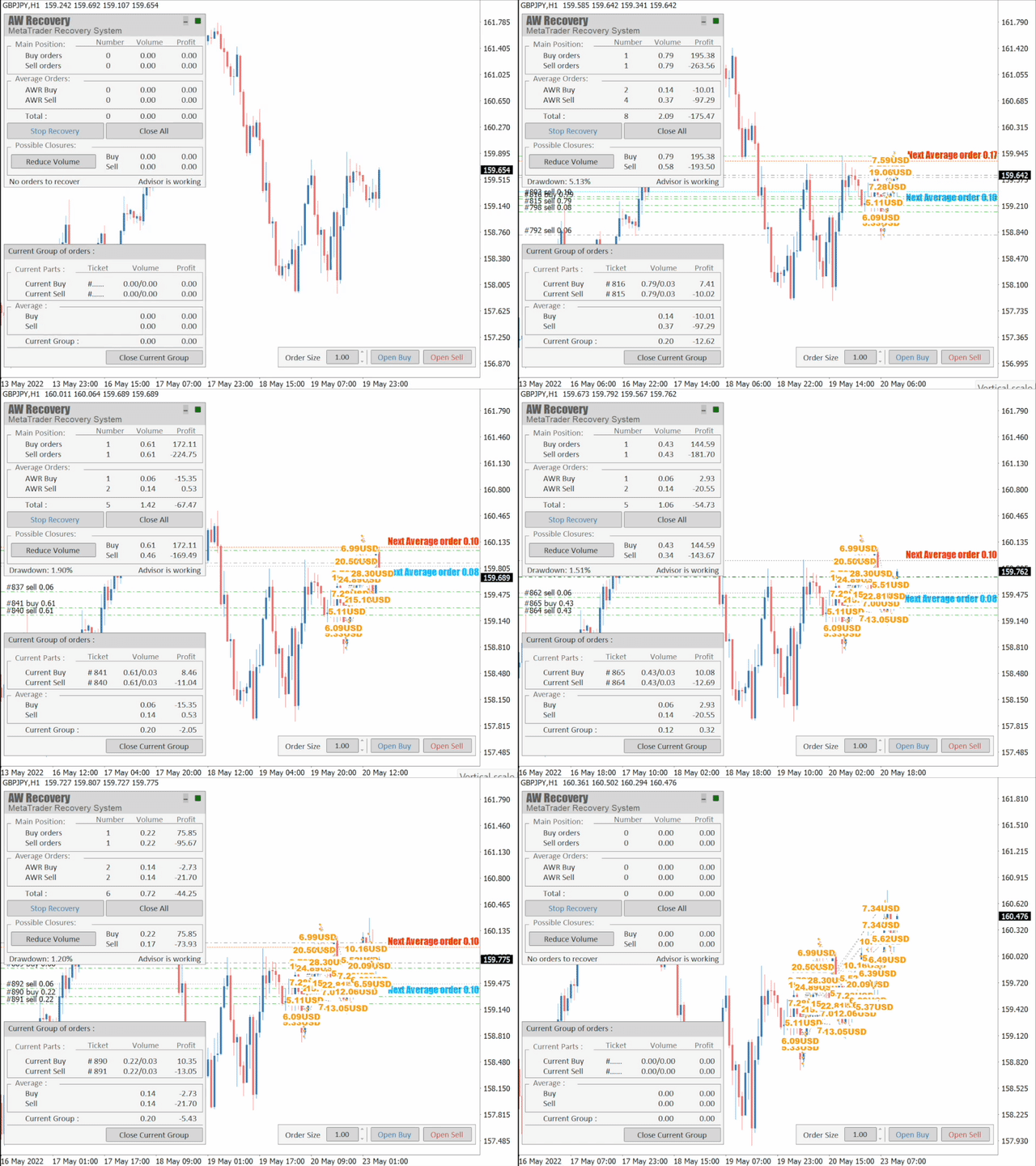
The Expert Advisor is a system designed to recover unprofitable positions.The author's algorithm locks a losing position, splits it into many separate parts, and closes each of them separately.
The Expert Advisor is a system designed to recover unprofitable positions. The author’s algorithm locks in a losing position, splits it into multiple parts, and closes each part separately. Easy setup, delayed launch in case of drawdown, locking, disabling other Expert Advisors, averaging with trend filtering, and partial closing of a losing position are built into one tool.
It is the use of closing losses in parts that allows you to reduce losses with a lower deposit load, which ensures safer work with losses, in contrast to grid strategies that close orders only in whole groups.
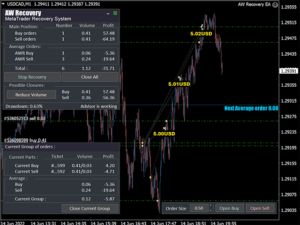
How orders are restored:
1 The EA closes other windows of the selected instrument to turn off unprofitable EAs (optional).
2 The EA resets TakeProfit and StopLoss levels for all processed orders and deletes pending orders with corresponding identifiers.
3 The EA closes all processed profitable orders to use their profit to cover part of the unprofitable orders and reduce the total position volume (optional).
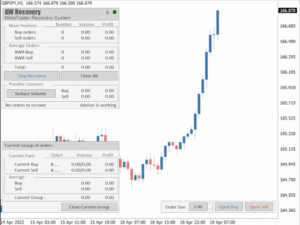
4 The EA locks a losing position by opening a locking order.
5 Then, by opening restoring orders, it starts to reduce the loss by partially closing unprofitable orders.
6 When partially closed, the algorithm restores, first of all, the orders that are located the least successfully, or the unprofitable orders that are closest to profitability. Each unprofitable order is divided into multiple parts, each of which the adviser closes separately. Restoring orders are opened with a small volume, so as not to greatly increase the load on the deposit
A complete list of EA input settings with comments, instructions for setting up and testing -> HERE / MT4 version -> HERE
Advantages:
- AW Recovery can accompany other advisors and turn them off at the right time
- The EA automatically locks the position, resets TP and SL levels, and deletes pending orders
- Restores a losing position in parts, allowing you to work with a lower deposit load
- Can be used to recover the loss of individual Expert Advisors or work on the current symbol
- The robot combines functionality with simple and flexible settings for each specific situation.
- Built-in many protective functions, trend filtering, overlapping, etc., for risk management
How to trade with an advisor:
Step 1: Adjust the pitch and volumes
Adjust the volume of the first averaging order
Adjust the step for averaging orders
Adjust the ratio between averaging and closing and their volumes
Step 2: Set up additional features
Select period for trend filter(If used)
Choose a multiplier for averaging orders
Select Take Profit to close parts of a losing position with a specified profit
Step 3: Disable Other Expert Advisors
Disable other Expert Advisors working with these orders
Or let AW Recovery disable these Expert Advisors
Or work without locking
Testing:
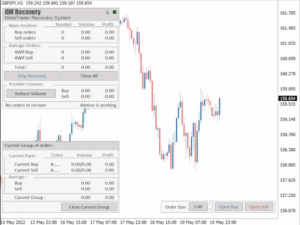
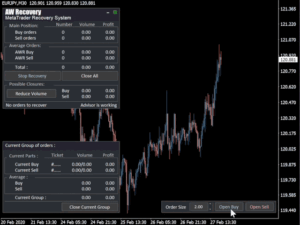
When you start the strategy tester, the adviser opens one demo position, then, for testing, use the buttons to open orders on the adviser panel.
Test your drawdown before launching. You can do this using the “Visualization” mode in the strategy tester.
For testing purposes, enter the amount of the deposit as used on the account to be recovered. Select the launch mode and enter the amount of drawdown that you want to recover. After starting testing, use the Expert Advisor panel to open the volume of positions equal to the specified drawdown. When the specified volume is reached, the EA will start working.
In this way, you will be able to simulate the recovery of your current situation over a historical period of time.
Note:
The EA is not multi-currency and works only on the pair it is installed on. To work on multiple tools, attach AW Recovery to each tool separately.
In order for the adviser to leave the standby mode and start working, it is necessary to have a losing position on the current symbol.
0 Reviews
Unable to load reviews. Please try again later.
No reviews yet. Be the first to write a review!
Related Products
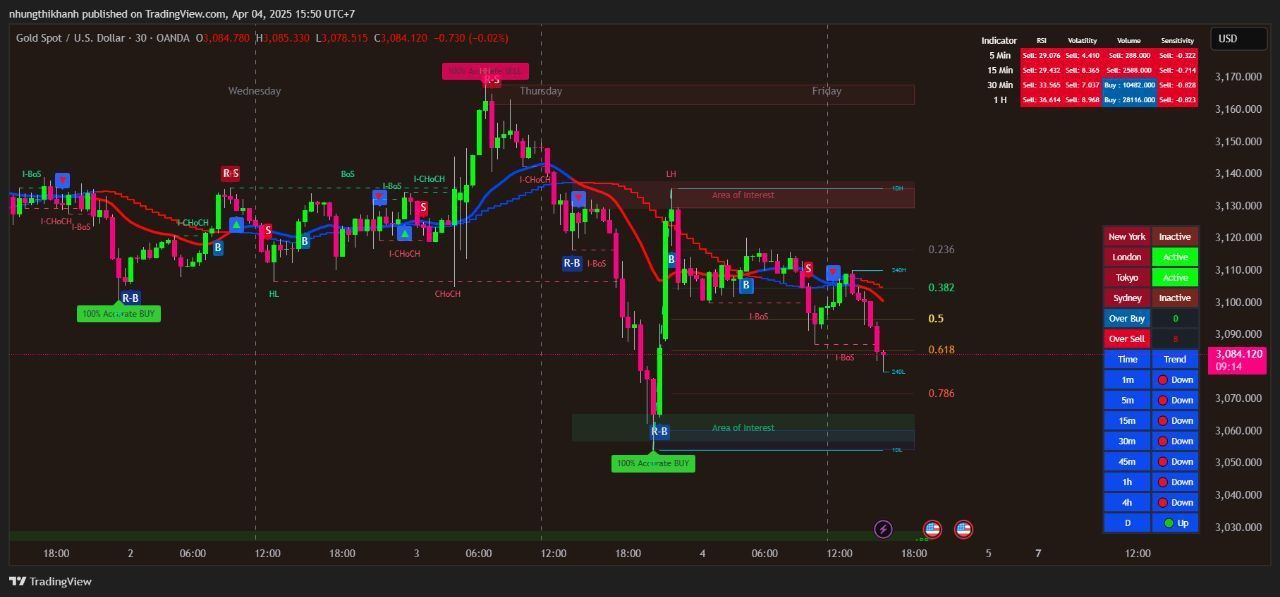
100% This Pine Script™ code is subject
The Apex Trend & Liquidity Master is a hybrid trading system designed to align traders with the dominant market trend while identifying key structural price levels. Unlike simple moving average crossovers or standalone support/resistance tools, this script integrates a volatility-adaptive "Trend Cloud" with a "Smart Liquidity" engine.
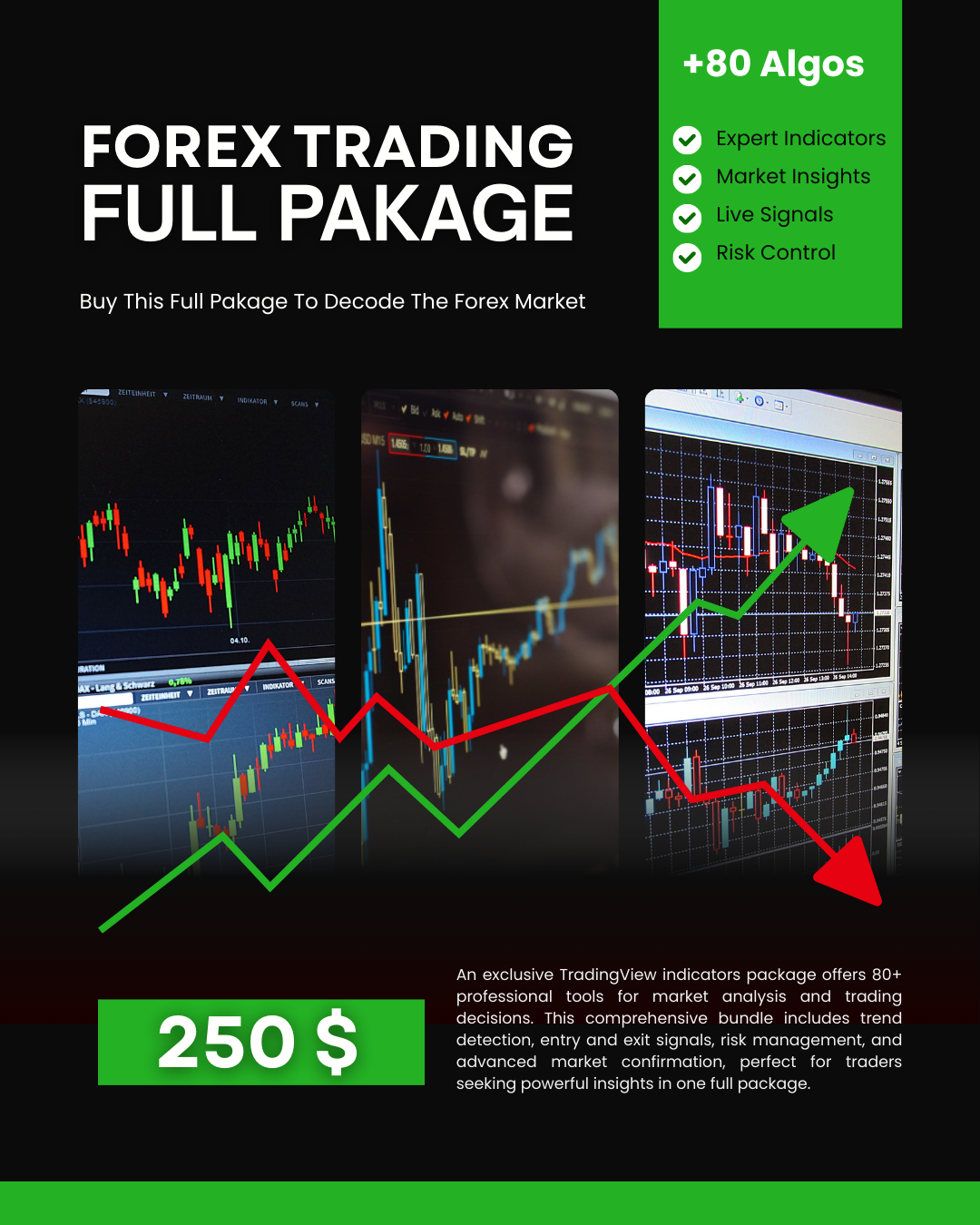
80+ Pro TradingView Indicators Bundle – Trade Smarter with One Powerful System
An exclusive TradingView indicators package featuring 80+ professional tools designed for precise market analysis and smarter trading decisions. This all-in-one bundle covers trend detection, entry and exit signals, risk management, and advanced market confirmation—ideal for traders who want powerful insights in one premium package.
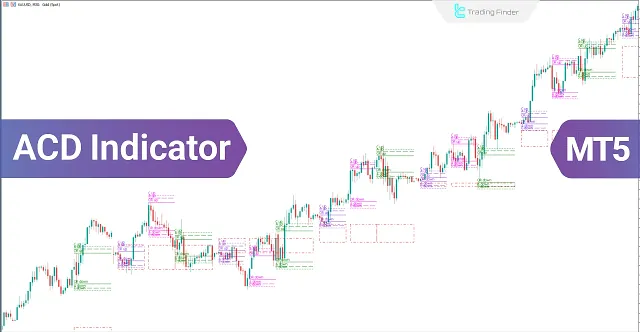
ACD Indicator for MetaTrader 5 Download - Free
The ACD indicator is a technical analysis tool in MetaTrader 5 developed by Mark Fisher and can also be used as a trading strategy. This tool is highly suitable for detecting daily price trends.
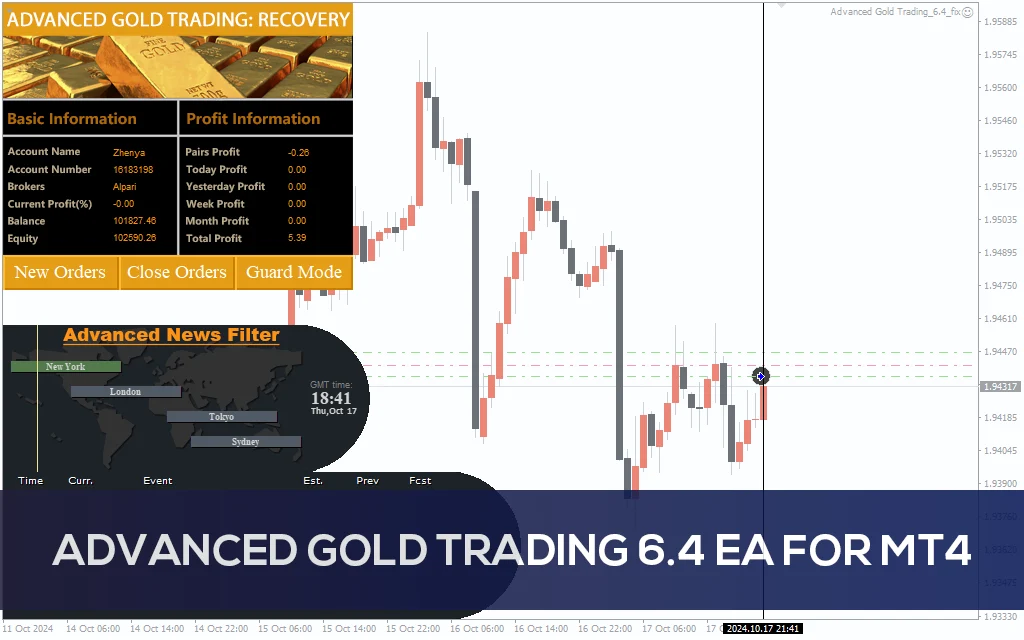
Advanced Gold Trading V6.4 EA MT4
Advanced Gold Trading V6.4 EA MT4 CATEGORY: MT4 EXPERTS
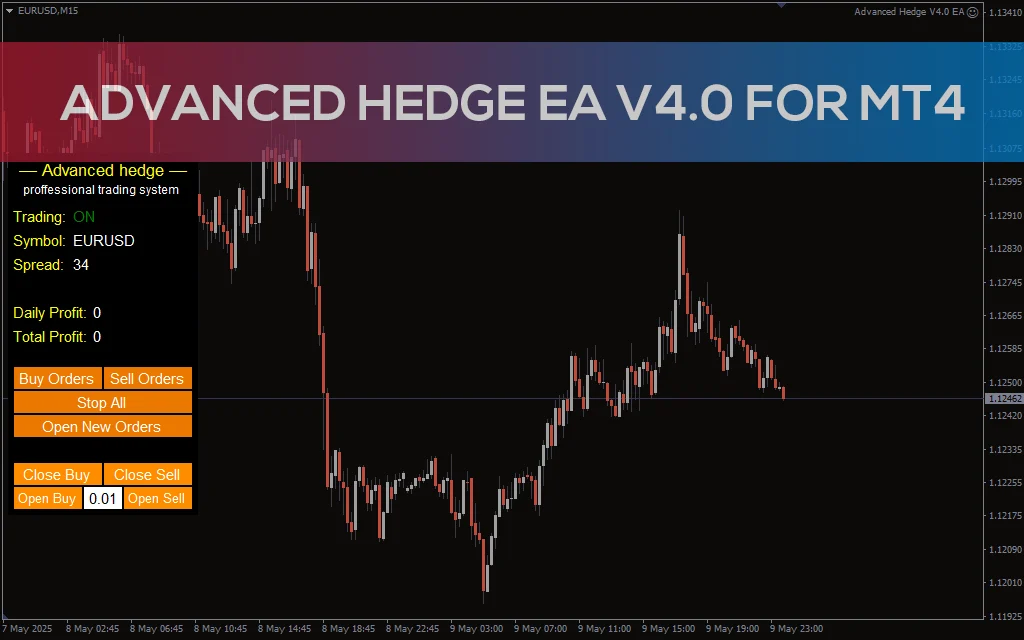
Advanced Hedge EA V4.0 MT4
Discover the Advanced Hedge EA V4.0 for MT4. This powerful automated trading tool helps users manage multiple hedged positions while optimizing profits and minimizing risks. Perfect for Forex traders who seek a reliable and sophisticated hedging strategy. CATEGORY: MT4 EXPERTS
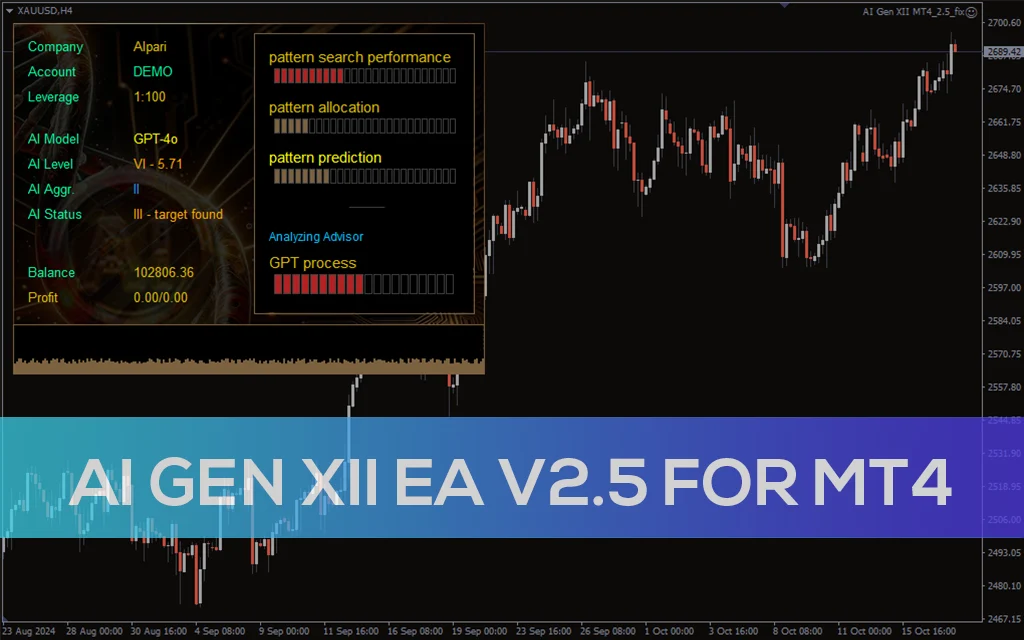
AI Gen XII EA V2.5 MT4
A sophisticated AI-driven AI Gen XII EA V2.5 that leverages machine learning for pattern prediction and high-frequency trading on MT4.