

EA Black Dragon MT5
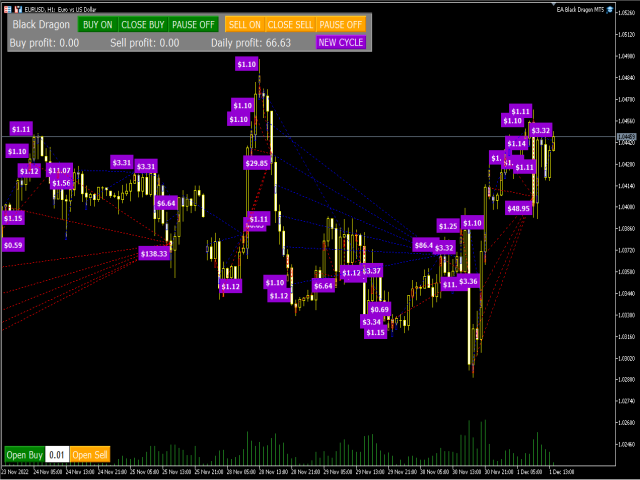
EA Black Dragon runs on the trend indicator. The EA opens a deal by indicator color, then there is the opportunity to increase the network of orders or work with stop loss. Works on accounts that support hedging.
Open new series – True/False – EA will open another series of orders (enable/disable)
· Trade Buy – True/False – EA will buy or not buy (enable/disable)
· Trade Sell – True/False – EA will sell or not sell (enable/disable)
· Manage manual orders – True/False – If true EA will manage manual orders (enable/disable)
· Use hedge – True/False – EA will hedge (buy and sell)
· Order Comment – Type in comment of your choice
· Max spread (0-not use) – Maximum spread allowed
· Start Hour – the hour that the EA will start trading
· End Hour – the hour that the EA will stop trading
· Magic – the number for the EA to recognize it’s own positions
· TF Black Dragon – choose time frame from selection
· Use stochastic – True/False – if True EA will use stochastic settings below to enter trades
· Max buy orders – Maximum buy orders allowed
· Max sell orders – Maximum sell orders allowed
· Initial Lot – Start lot
· Autolot – True/False – enable/disable auto lot calculation
· Autolot size – Amount of the deposit on which start lot is to be used when auto lot is True
· Lot multiplier – Lot multiplier for subsequent orders
· Max Lot – Maximum lot size that can be opened by EA
· TP (0-not use) – Take profit in pips
· SL (0-not use) – Stop loss in pips
· Overlap last order – True/False – The first and last order will close together and cancel each other out to reduce draw down (enable/disable)
· Overlap last order number – At what order number will the overlap start?
· Overlap percent – The percentage profit after first order will close in loss and last order will close in profit, recovering the loss plus X percent
· Pause between orders (min 0 – not use) – Amount of minutes to pause between orders
· Fix distance – The distance between orders
· Order dinamic distance – From which order will the dynamic distance begin (number)
· Dynamic distance start –This value sets the distance between first order and market price, where the dynamic distance will begin
· Distance multiplier – The multiplier factor for increasing distance between orders

0 Reviews
Unable to load reviews. Please try again later.
No reviews yet. Be the first to write a review!
Related Products
100% This Pine Script™ code is subject
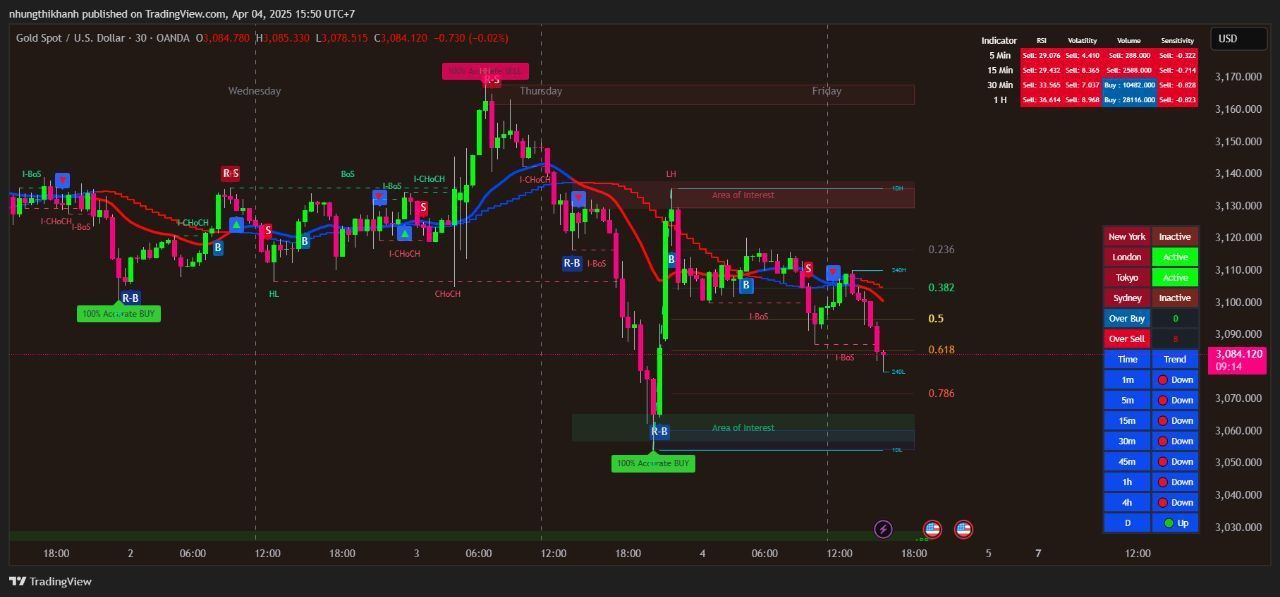
The Apex Trend & Liquidity Master is a hybrid trading system designed to align traders with the dominant market trend while identifying key structural price levels. Unlike simple moving average crossovers or standalone support/resistance tools, this script integrates a volatility-adaptive "Trend Cloud" with a "Smart Liquidity" engine.
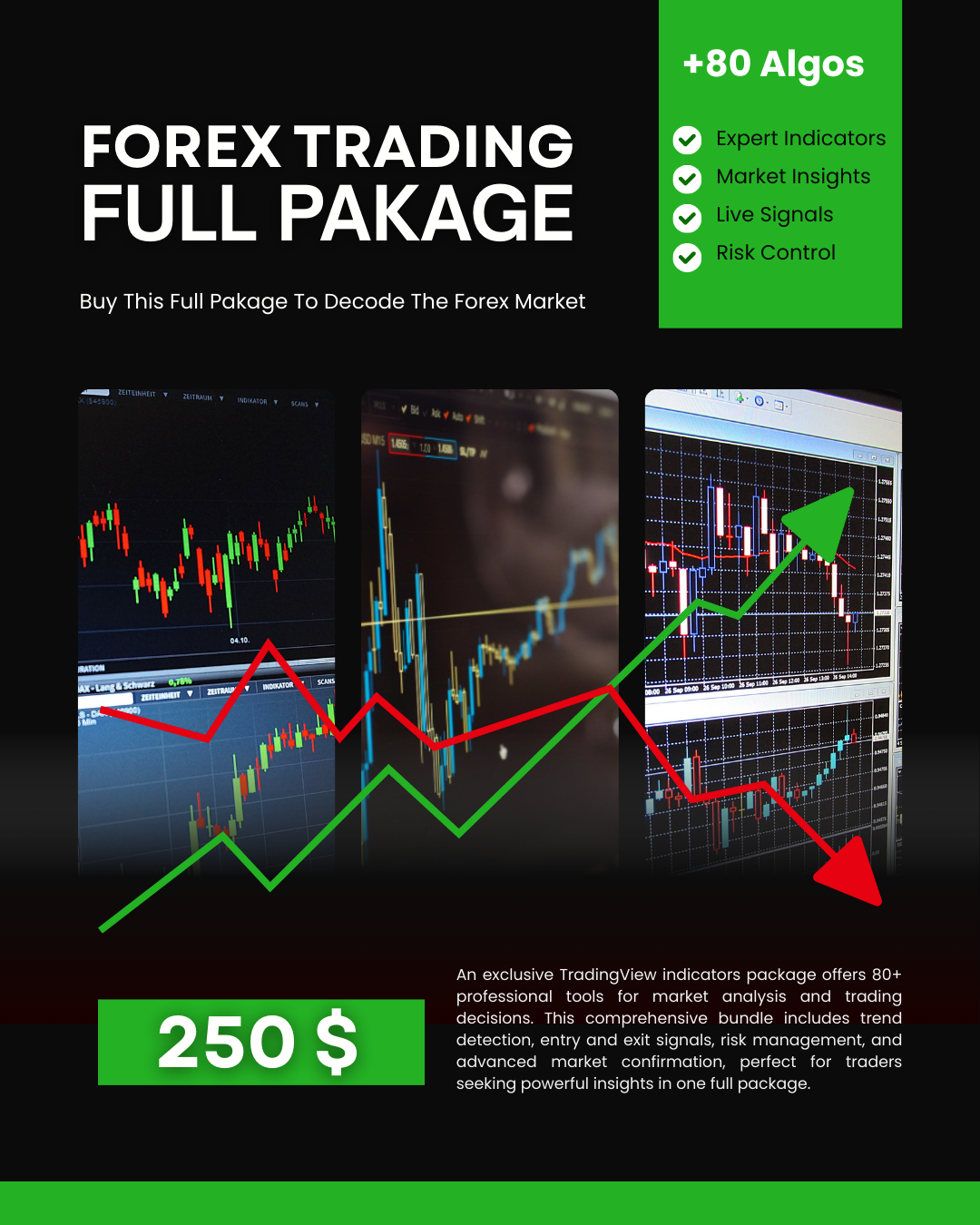
80+ Pro TradingView Indicators Bundle – Trade Smarter with One Powerful System
An exclusive TradingView indicators package featuring 80+ professional tools designed for precise market analysis and smarter trading decisions. This all-in-one bundle covers trend detection, entry and exit signals, risk management, and advanced market confirmation—ideal for traders who want powerful insights in one premium package.
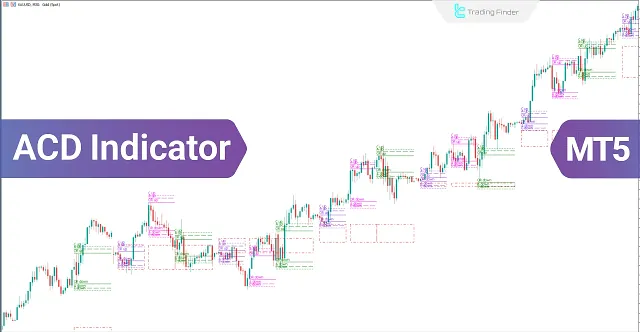
ACD Indicator for MetaTrader 5 Download - Free
The ACD indicator is a technical analysis tool in MetaTrader 5 developed by Mark Fisher and can also be used as a trading strategy. This tool is highly suitable for detecting daily price trends.
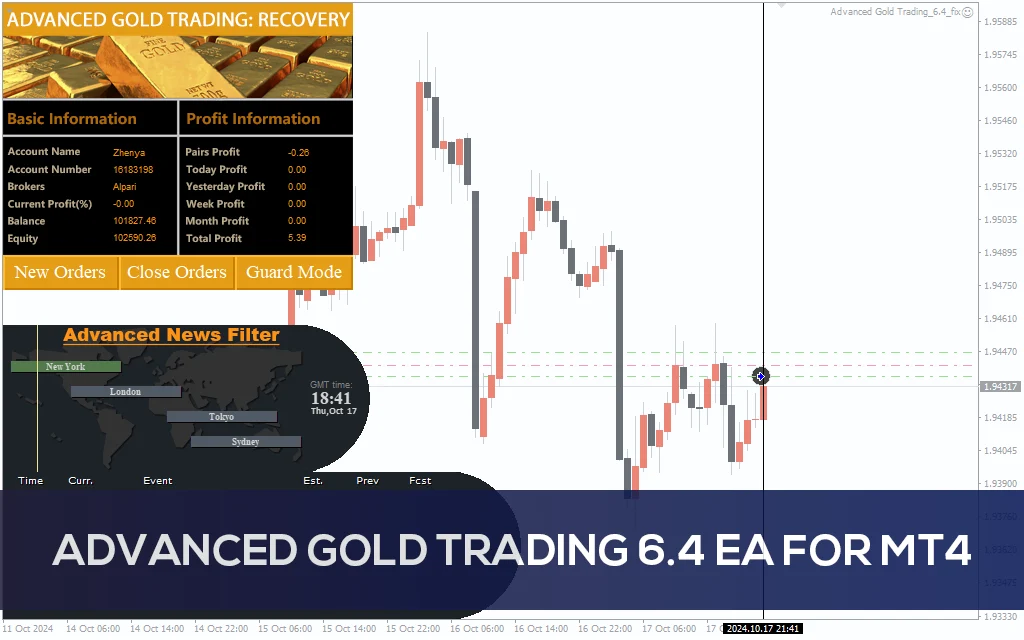
Advanced Gold Trading V6.4 EA MT4
Advanced Gold Trading V6.4 EA MT4 CATEGORY: MT4 EXPERTS
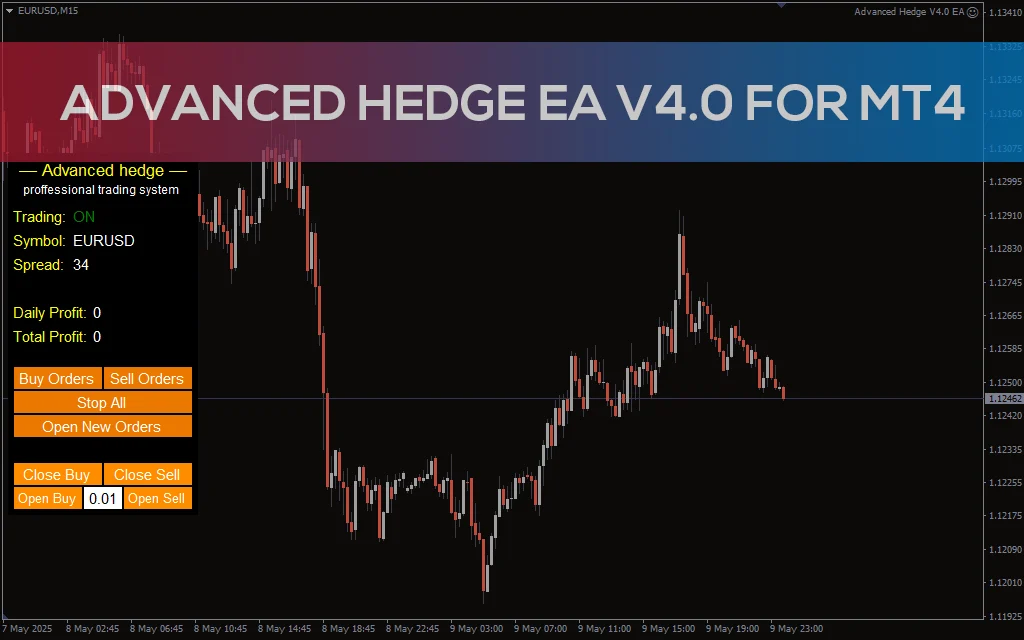
Advanced Hedge EA V4.0 MT4
Discover the Advanced Hedge EA V4.0 for MT4. This powerful automated trading tool helps users manage multiple hedged positions while optimizing profits and minimizing risks. Perfect for Forex traders who seek a reliable and sophisticated hedging strategy. CATEGORY: MT4 EXPERTS
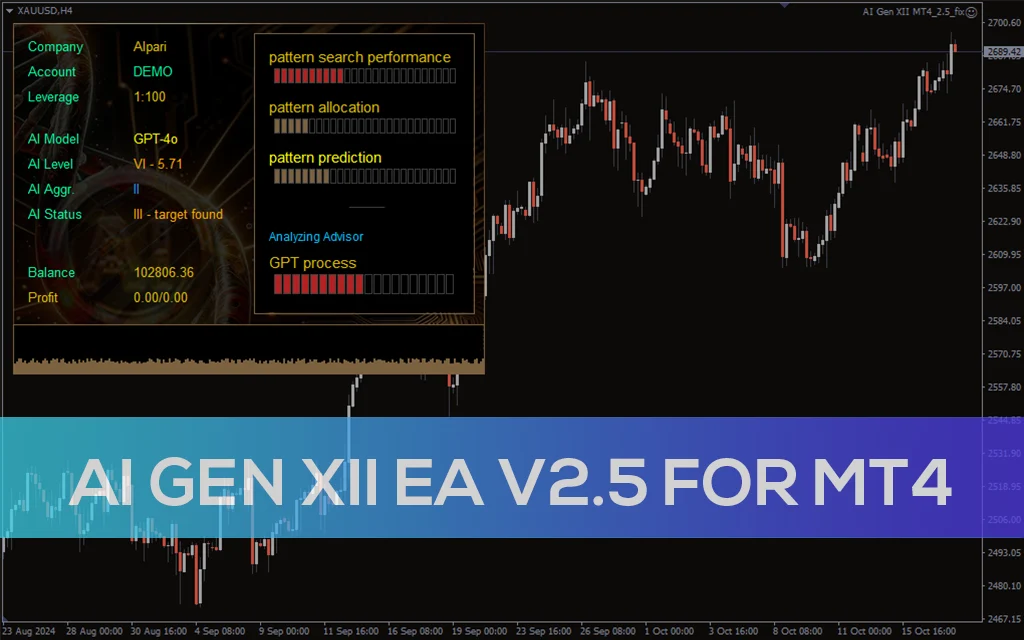
AI Gen XII EA V2.5 MT4
A sophisticated AI-driven AI Gen XII EA V2.5 that leverages machine learning for pattern prediction and high-frequency trading on MT4.