

Fish n Grid
Fish n Grid – an automatic trading robot that works on multiple currencies. It takes advantage of the market's mean reversion characteristic with a calculated, dynamic, multicurrency grid system.
Fish n Grid – an automatic trading robot that works on multiple currencies. It takes advantage of the market’s mean reversion characteristic with a calculated, dynamic, multi currency grid system.
Main features:
- Fully automatic
- Easy one chart setup
- Multicurrency grid profolio
- Basically trading everyday
- Calculated parameters for each currency
- Dynamic stoploss occasionally during night market
- Manual control possible
Requirements:
- Hedging account
- Low spread raw ECN broker
- Minimum recommended deposit: 3000 USD
Recommended Set:
- Easy one chart setup
- Recommended pairs: AUDCAD, AUDCHF, AUDJPY, AUDUSD, CADCHF, EURCAD, EURCHF, EURGBP, EURJPY, EURUSD, GBPCHF, GBPNZD, GBPUSD, NZDCAD, NZDCHF, USDCAD, USDCHF
- Higher risk pairs: AUDNZD, USDCAD
How to set up:
- Download the EA on your MT4 terminal
- Open a chart of EURUSD H1 timeframe
- Drag the EA onto the chart and the default set file will be loaded
- Click the Multicurrency_Switch to “true”
- Choose your own lotsize settings at First_Order_Lot_Size and prepare the required deposit
- Change the Stoploss_In_Dollar setting according to your initial lotsize and your risk level preference
- For example: if you want 0.01lot as your startlot, then you need 3000USD minimum deposit and your Stoploss_In_Dollar is 3000USD
- Allow autotrading and start trading
Optional settings:
- Multiple chart set up:
- In case you don’t want to do one chart set up, you can click the Multicurrency_Switch to “false”, and drag the EA to each respective chart you want it to run
- Manual takeprofit/stoploss:
- The EA itself has its own preset TP/SL mechanism, but in case of extreme circumstances/your own personal judgement, you can freely close the entire chain of grid of the same currency for profit/loss to avoid drawdown. It won’t affect the EA’s proper functions.
- Prefix/Suffix for symbols:
- Some brokers have prefix/suffix for their currency symbols. Prefix/suffix detection can be enabled on the settings page of the EA.
User Manual & Backtest results:
https://www.mql5.com/en/blogs/post/752815
Disclaimer:
- Backtest result is based on historical data which does not guarantee future performance and profit
- Trade with an amount and a risk level you feel comfortable with
- Start with a demo account to understand the EA mechanism first
- A good ECN broker with low spread and a stable VPS are essential. Message me if you don’t have one
Trade safe! King Arius Official
Related Products
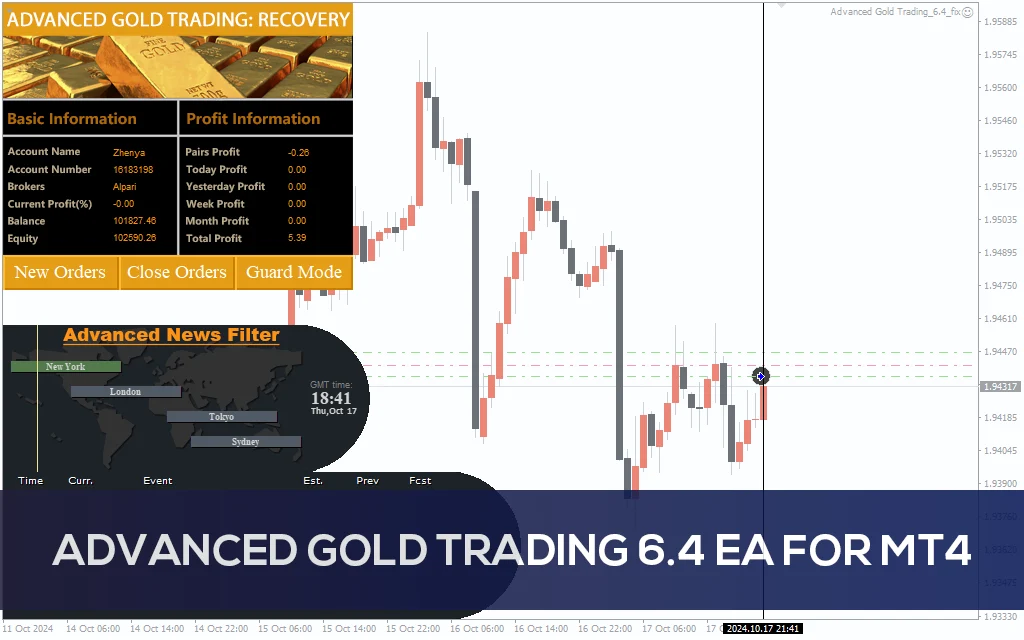
Advanced Gold Trading V6.4 EA MT4
Advanced Gold Trading V6.4 EA MT4 CATEGORY: MT4 EXPERTS
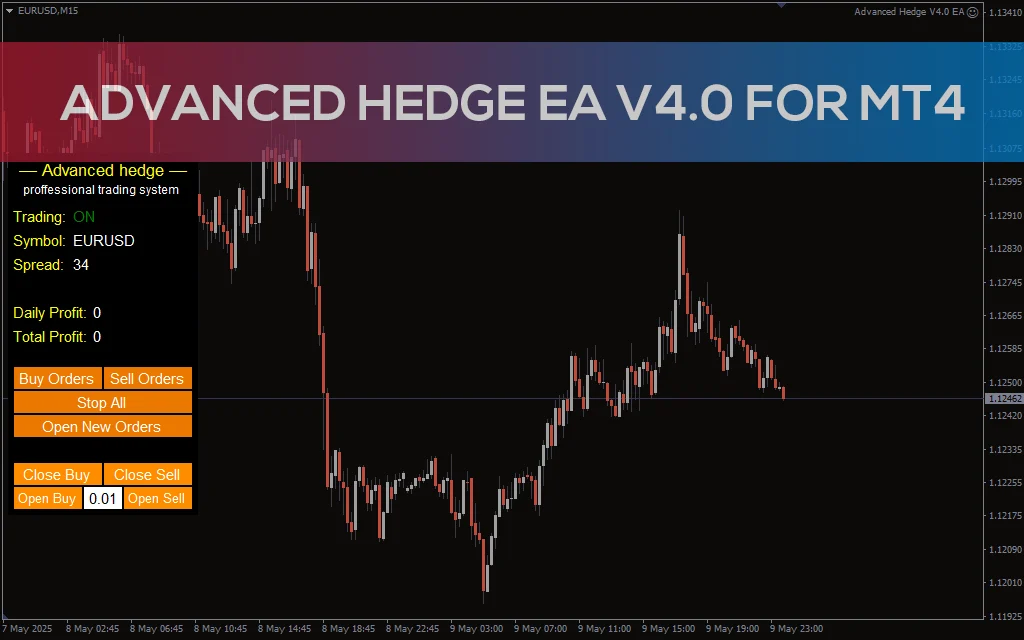
Advanced Hedge EA V4.0 MT4
Discover the Advanced Hedge EA V4.0 for MT4. This powerful automated trading tool helps users manage multiple hedged positions while optimizing profits and minimizing risks. Perfect for Forex traders who seek a reliable and sophisticated hedging strategy. CATEGORY: MT4 EXPERTS

AI Gold Scalp Pro Free Download
Meet AI Gold Scalp Pro: The Self-Learning Scalper That Turns Losses into Lessons. Most scalping EAs hide from their mistakes. AI Gold Scalp Pro learns from them.
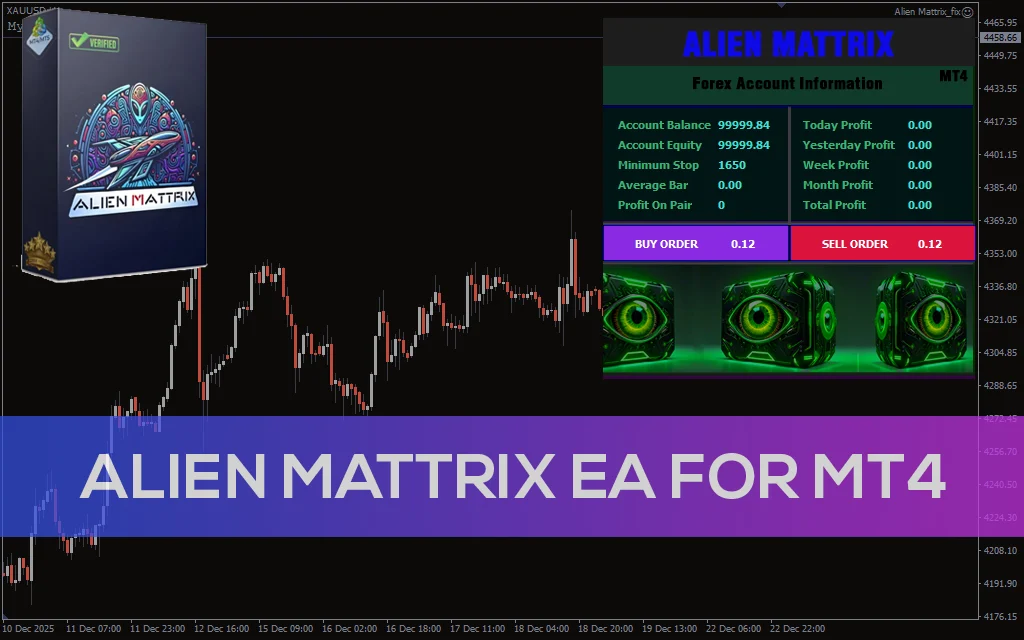
Alien Mattrix EA MT4
Alien Mattrix EA for MT4 is an automated trading robot focused on trend detection, controlled risk, and stable long-term performance. Category: MT4 EXPERTS
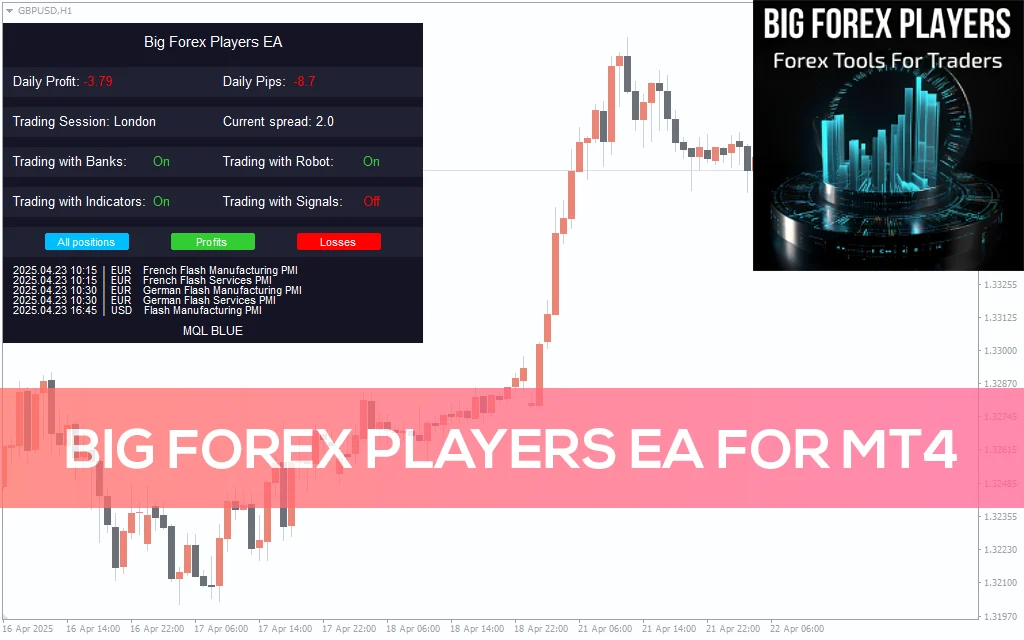
Big Forex Players EA MT4 Free Download
Explore Big Forex Players EA for MT4 – a professional tool designed for Forex traders. With dynamic trade management, economic news integration, and robust risk management settings, this EA is ideal for experienced traders seeking to boost their Forex trading. CATEGORY: MT4 EXPERTS

Black Arrow MT4
Be sure to contact me after your purchase by writing in private messages! Also, if you have any questions before purchasing, don't hesitate to ask.