
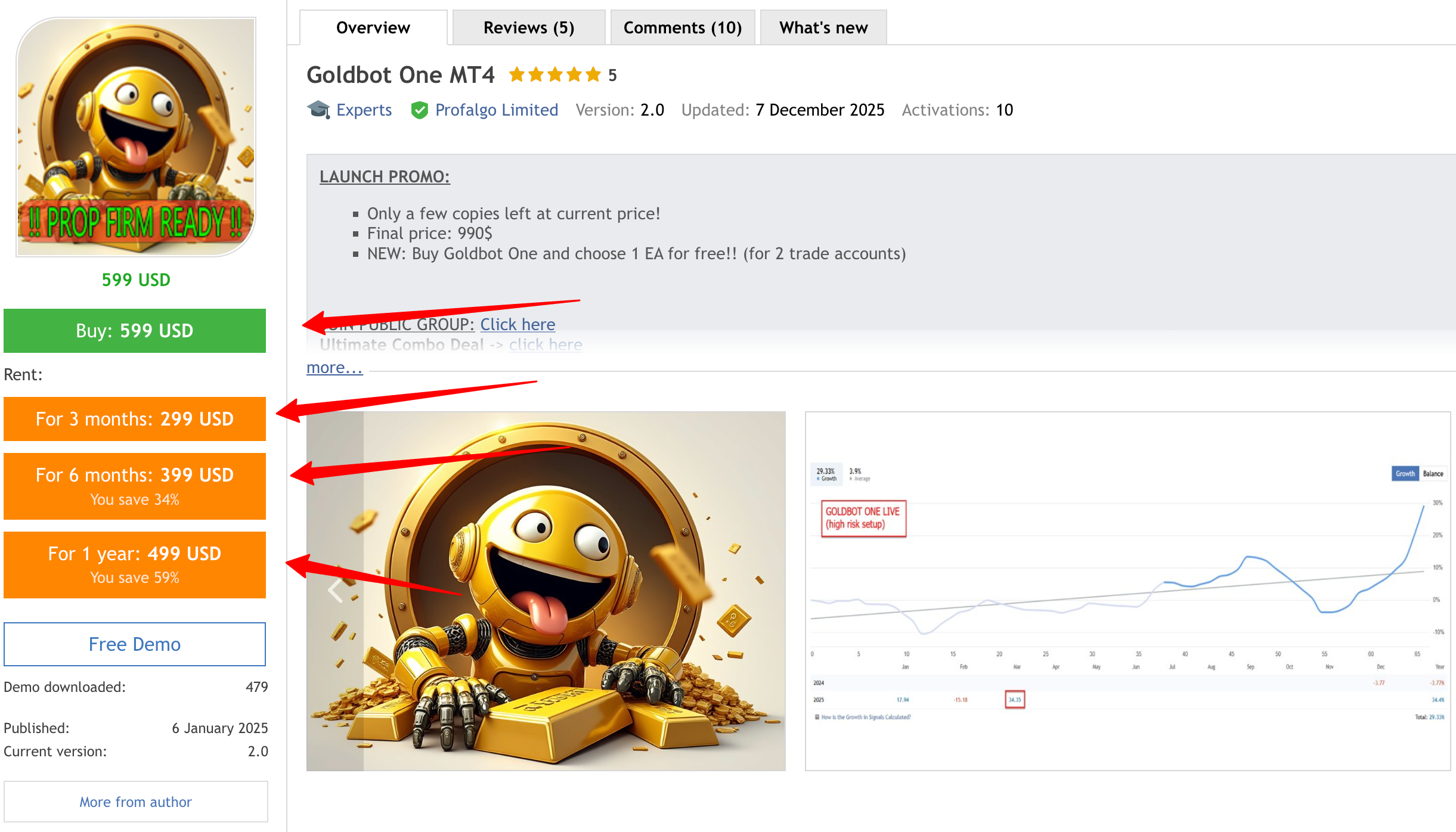
Expert Goldbot One MT4 V1.6
Goldbot One, a highly sophisticated trading robot engineered for the gold market. With its focus on breakout trading, Goldbot One leverages both support and resistance levels to identify prime trading opportunities. This expert advisor is crafted for traders who seek efficiency, reliability, and a strategic edge in the volatile precious metals market.
Key Features:
Multi-Strategy Approach:
-
- 8 Variations of a winning strategy: Goldbot One runs eight different variations of the breakout strategy, each optimized for different market conditions. This diversification ensures a good spread of risk and creates a smoother growth expectation
Breakout Trading:
-
- Specially designed to trade breakouts, Goldbot One identifies key moments when gold prices break through established support or resistance levels, providing a chance to enter trades at potentially lucrative points.
Risk Management:
-
- Stop Loss and Take Profit: Each trade is protected with predefined stop loss and take profit levels, safeguarding your investment from significant downturns and locking in profits at peak times.
- Trailing Stops: The robot employs trailing stop loss and trailing take profit mechanisms, allowing it to follow the market’s trend, securing profits as the market moves favorably, and preventing losses from sudden reversals.
- Trailing Takeprofit: Trailing Take Profit: The robot also uses a smart trailing take profit algorithm that will attempt to exit a trade earlier if the price moves against the open position.
Single Trade Per Strategy:
-
- Goldbot One executes one trade per strategy to keep operations clean, focused, and manageable. This disciplined approach helps in maintaining strategy integrity without the complexity of multiple simultaneous trades per strategy.
User-Friendly Interface:
-
- Designed for both novice and experienced traders, the setup and customization of Goldbot One are straightforward. Parameters for each strategy can be adjusted to match individual risk profiles and market views.
Auto-Adaptability:
-
- The EA will automatically adapt to the current value of Gold. That means that if Gold should continue to rise in the future, the EA won’t need any new optimisations, but will automatically adjust all internal parameters.
Continuous Improvement:
-
- Regular updates are provided to adapt to changing market dynamics, ensuring that Goldbot One remains at the cutting edge of trading technology.
Why Choose Goldbot One?
- Specialized for Gold: Tailored specifically for the gold market, understanding its unique volatility and trends.
- Proven Strategy: Breakout trading is a recognized method with a history of success when applied with precision.
- Robust Risk Management: With multiple layers of protection for each trade, your capital is safeguarded.
- Simplicity and Sophistication: Easy to use yet powered by sophisticated algorithms for professional trading results.
Get Started: Unlock the potential of your gold trading with Goldbot One.
Whether you’re looking to diversify your portfolio or specialize in gold trading, Goldbot One is your automated trader, designed to navigate the gold market with precision and profitability.
Join the ranks of successful traders who trust in the golden standard of trading bots.
How to backtest the EA:
- Run backtest on XAUUSD Daily chart.
- Set “Lotsize Calculation Method” to “use Max Risk Per Strategy”
- Set Max Risk Per Strategy to “3” for low risk, “6” for medium risk or “10” for higher risk
- MT5 -> you can use “1minute OHLC” for modeling quality (the EA only used 1 minute OHLC information anyways internally)
- MT4 -> use “every tick” for modeling quality
- Set a minimum period of one year for backtesting. This is a longterm strategy. The longer the period, the more the stability of the EA will come forward.
How to set up the EA for live trading:
- enable “AlgoTrading” in your MT5 (“AutoTrading” in MT4)
- you must add the URL “https : // www . worldtimeserver.com/” (remove spaces!!) to the “allowed URL’s” in your MT4/MT5 terminal (tools -> options -> expert advisors)
- Open XAUUSD Daily Chart
- Set “Lotsize Calculation Method” to “use Max Risk Per Strategy”
- Set Max Risk Per Strategy to “3” for low risk, “6” for medium risk or “10” for higher risk, or simply load the set files here
Parameter overview:
– ShowInfoPanel -> display the information panel on the chart
– Adjustment for Infopanel size -> in case of 4K display, set value to “2”
– update infopanel during testing -> disabled for faster backtesting
– Allow Buy Trades / Allow Sell Trades -> here you can enable/disable buy trades and sell trades
– Run strategy 1..8 -> enable/disable the different strategies (all are breakout of daily support and resistance, but different entries and exit settings)
– Maximum allowed spread: maximum spread for pending orders to be allowed
– Friday Stop Hour -> if you don’t want trades to be hold over the weekend, set a value between 0 and 23. (25 means “disabled)
– SetSL_TP_After_Entry -> enable only if your broker doesn’t allow pending orders with SL and TP
– Use Virtual Expiration -> enable only if your broker doesn’t allow pending order with expiration date
– Randomization -> this will randomize the entries, exits and TrailingSL values a bit, so that multiple users on the same broker, will have a bit different trades. Also good for prop firms. Good value is “50”
– BaseMagicNumber -> the base magicnumber that will be used for all strategies
– Comment for trades -> the comment to be used for the trades
– EnableNFP_Filter -> turn the NFP filter on or off
– AutoGMT -> let the EA calculate the correct GMT offset for your broker, so that the time of NFP will be correct
– GMT_OFFSET_Winter -> for setting the GMT Offset manually in the wintertime (when AutoGMT is off, or during backtesting!)
– GMT_OFFSET_Summer -> for setting the GMT Offset manually in the summertime (when AutoGMT is off, or during backtesting!)
– NFP_CloseOpenTrades -> force the EA to close all open trades when NFP starts (X minutes before NFP)
– NFP_ClosePendingOrders -> force the EA to delete all pending orders when NFP starts (X minutes before NFP)
– NFP_MinutesBefore -> how many minutes before the NFP event, to close trades and pending orders
– NFP_MinutesAfter -> how many minutes after the NFP event, before the EA resumes trading again
– Propfirm unique settings -> here you can adjust various entry and exit parameters to make the EA trade differently from other users
– Lotsize Calculation Method -> here you determine how the lotsize should be calculated: Fixed lotsize (Use StartLots), Using Max Risk Per Strategy, or using LotsizeStep
– Startlots -> set the value for fixed lotsize, when that option is chosen. This parameter will be used as “minimum lotsize” when using any of the other 2 options for lotsize calculation
– LotsizeStep -> binds the lotsize to the balance or equity. So LotsizeStep=1000 would mean: 0.01lots per 1000 balance. so a balance of 3000 would run at 0.03lots
– Max Risk Per Strategy -> The maximum loss (in %) when a strategy reaches his maximum historical drawdown. So value “2” would mean maximum 2% loss if the max historical drawdown of that strategy is hit.
– Set Max Daily Drawdown -> Here you can set a maximum allowed daily drawdown (in %). If it is reached, the EA would close all trades and pending orders, and wait for the next day. This is usefull for prop firms
– Use Equity instead of Balance -> use Equity of the account to calculate all lotsize values
– OnlyUp -> this will prevent lotsize to decrease after losses (more aggressive but faster recovery after losses)
– Check for free margin before setting trades -> Use when the EA has problems setting trades on your broker because of low margin, while there is sufficient margin
– AdjustLotsizeToVariableValues -> this will adjust the lotsize to adjusted SL/TP levels (in case Goldprice itself changes a lot)
NOTE:
I don’t use any ‘neural network/machine learning AI/ChatGPT/Quantum computer/perfect straight line backtests’ sales talk, but instead, I offer a real, honest trading system,
based on proven methodology for development and live execution.
As a developer, I have +15 years of experience in creating automated trading systems. I know what has the potential to work and what has not.
I create honest systems, with the highest probability of live trading matching the backtests, without cheating.
0 Reviews
Unable to load reviews. Please try again later.
No reviews yet. Be the first to write a review!
Related Products
100% This Pine Script™ code is subject
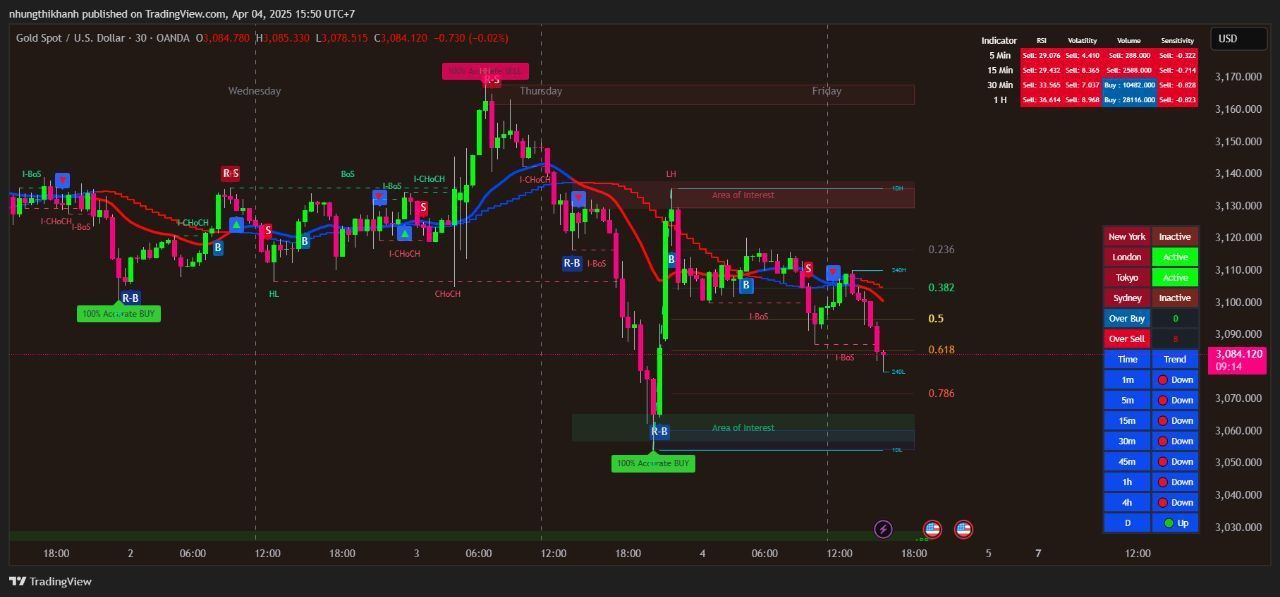
The Apex Trend & Liquidity Master is a hybrid trading system designed to align traders with the dominant market trend while identifying key structural price levels. Unlike simple moving average crossovers or standalone support/resistance tools, this script integrates a volatility-adaptive "Trend Cloud" with a "Smart Liquidity" engine.
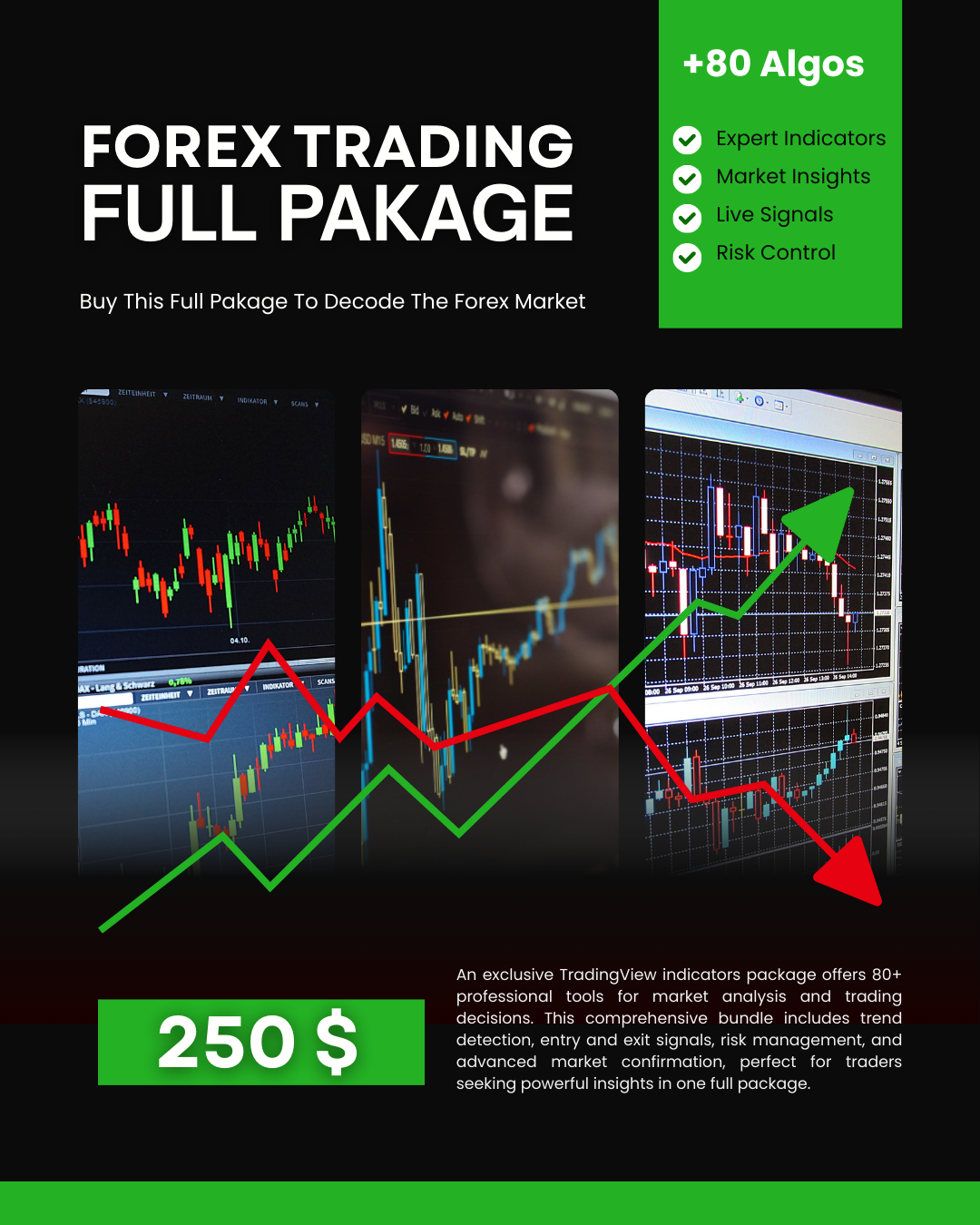
80+ Pro TradingView Indicators Bundle – Trade Smarter with One Powerful System
An exclusive TradingView indicators package featuring 80+ professional tools designed for precise market analysis and smarter trading decisions. This all-in-one bundle covers trend detection, entry and exit signals, risk management, and advanced market confirmation—ideal for traders who want powerful insights in one premium package.
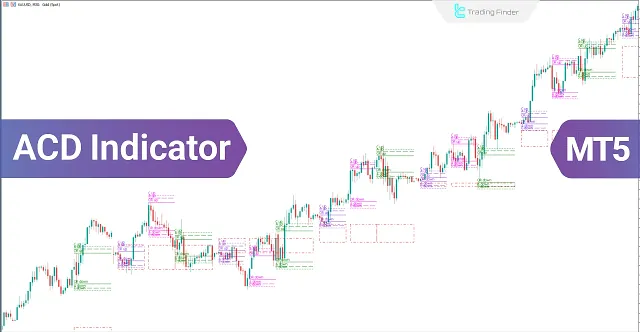
ACD Indicator for MetaTrader 5 Download - Free
The ACD indicator is a technical analysis tool in MetaTrader 5 developed by Mark Fisher and can also be used as a trading strategy. This tool is highly suitable for detecting daily price trends.
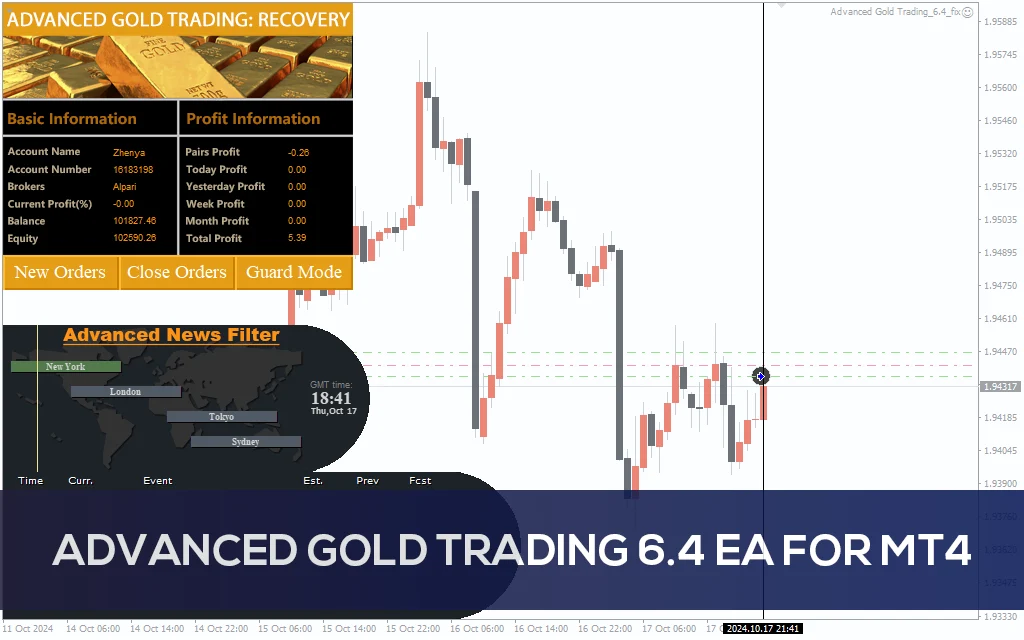
Advanced Gold Trading V6.4 EA MT4
Advanced Gold Trading V6.4 EA MT4 CATEGORY: MT4 EXPERTS
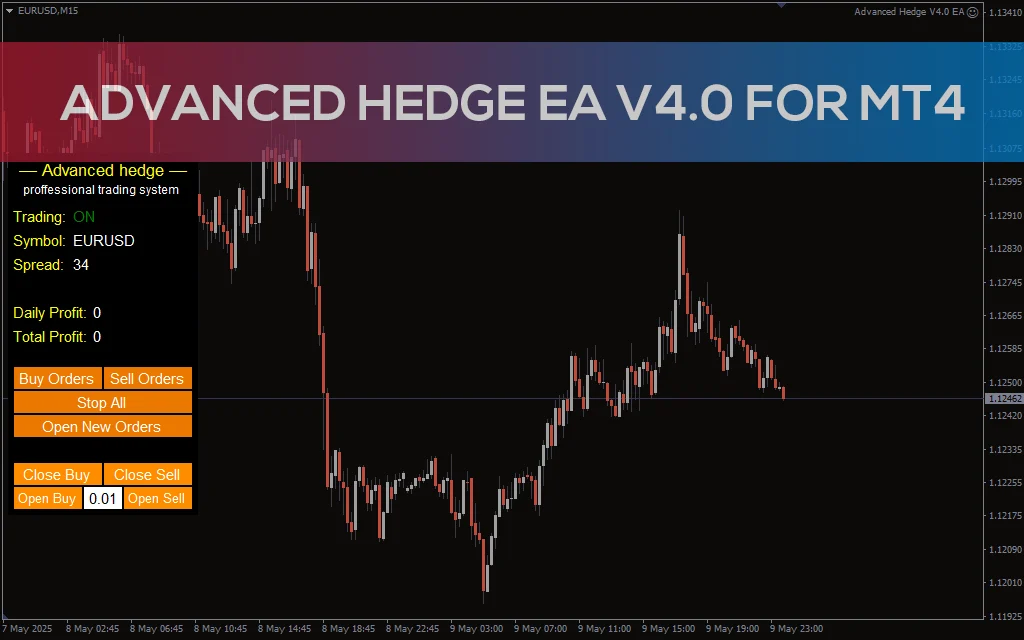
Advanced Hedge EA V4.0 MT4
Discover the Advanced Hedge EA V4.0 for MT4. This powerful automated trading tool helps users manage multiple hedged positions while optimizing profits and minimizing risks. Perfect for Forex traders who seek a reliable and sophisticated hedging strategy. CATEGORY: MT4 EXPERTS
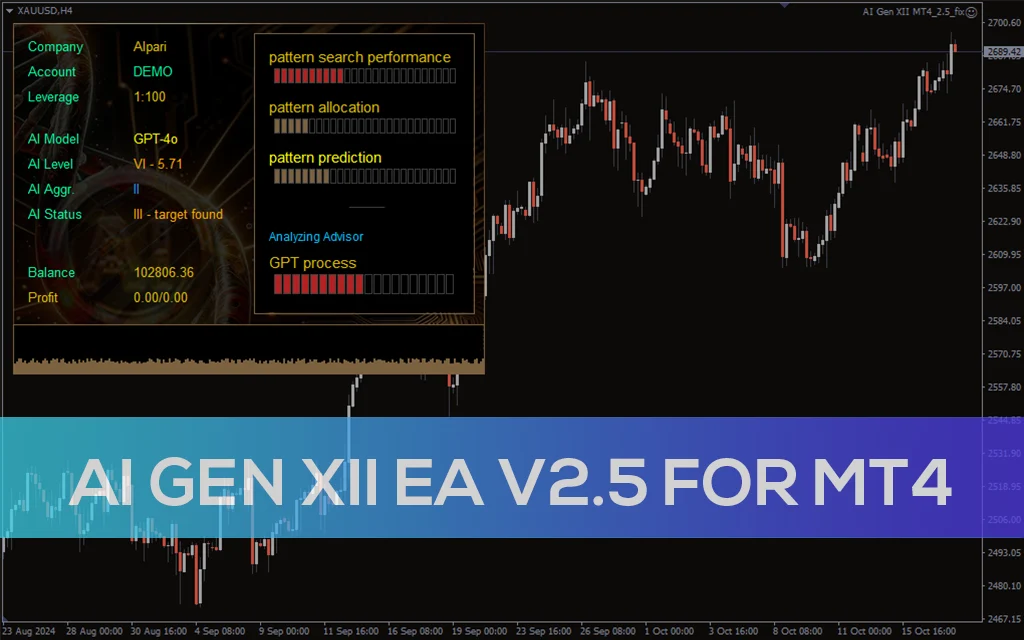
AI Gen XII EA V2.5 MT4
A sophisticated AI-driven AI Gen XII EA V2.5 that leverages machine learning for pattern prediction and high-frequency trading on MT4.