
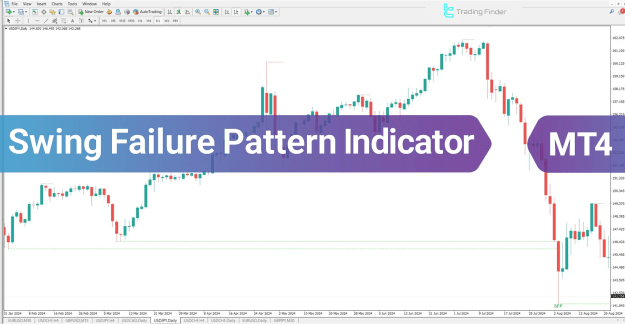
Swing Failure Pattern LuxAlgo v2
Swing Failure Pattern LuxAlgo v2
Swing Failure Pattern LuxAlgo v2
How to Download and Install Indicators in MetaTrader 4
Method 1: Installing Indicators from the MQL5 Website The MQL5 website is a reliable source for downloading MT4-compatible indicators. Follow these steps to install indicators from MQL5: Step 1: Register an Account on MQL5 To access indicators, you need to create an MQL5 account. Go to the MQL5 website and select “Create an Account.” Enter the required details and complete the registration process. If you already have an account, simply log in. Step 2: Find and Download the Indicator Once logged in, navigate to the “Market” section and select “Indicator” in MT4.
Use the search bar to find the desired indicator by typing its name in English. Click on the indicator’s page to view details and functionality. Click “Download” to start the download. If prompted, confirm the download and allow it to transfer to MT4. If MT4 is not installed, select “No” to download the installation file first. Step 3: Apply the Indicator in MT4
Open the MT4 platform and log in using your MQL5 account. In the Navigator panel, locate the downloaded indicator. Drag and drop the indicator onto the chart and click “OK” to activate it.
Method 2: Installing Indicators Directly from MT4 An alternative method to install indicators is through the Market section within MT4. Follow these steps: Step 1: Log in to the MQL5 Market in MT4
Launch MT4 and go to the top right corner. Select “Create an Account” if you don’t have one, or log in if you do. Click on “View,” then open “Terminal.” Navigate to the “Market” tab at the bottom. Step 2: Search and Download the Indicator
In the Market panel, select the “Indicator” category. Enter the indicator’s name in the search bar and select the desired option. Click “Download” to get the executable file. The indicator will automatically be added to the Navigator panel in MT4. Step 3: Activate the Indicator in MT4
Locate the downloaded indicator in the Navigator panel. Drag it onto the chart and click “OK” to enable it.
Conclusion Installing custom indicators in MetaTrader 4 (MT4) is a simple yet effective way to enhance market analysis and decision-making . Whether you choose to download indicators from the MQL5 website or directly through the Market section in MT4, both methods provide access to a wide range of free and premium tools. By following these steps—creating an MQL5 account, searching for the desired indicator, downloading it, and applying it in MT4—traders can seamlessly integrate indicators into their charts. Using custom indicators can improve trading strategies, refine market analysis, and create a more personalized trading experience. Always download indicators from trusted sources and adjust their settings to match your trading needs for the best results .
0 Reviews
Unable to load reviews. Please try again later.
No reviews yet. Be the first to write a review!
Related Products
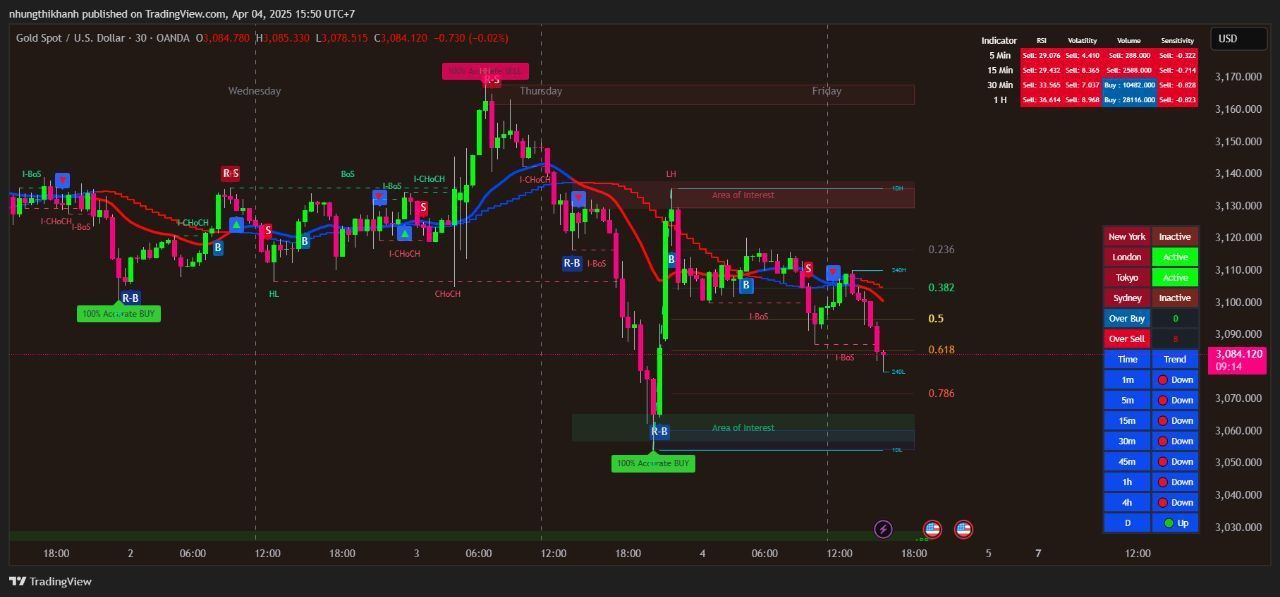
100% This Pine Script™ code is subject
The Apex Trend & Liquidity Master is a hybrid trading system designed to align traders with the dominant market trend while identifying key structural price levels. Unlike simple moving average crossovers or standalone support/resistance tools, this script integrates a volatility-adaptive "Trend Cloud" with a "Smart Liquidity" engine.

80+ Pro TradingView Indicators Bundle – Trade Smarter with One Powerful System
An exclusive TradingView indicators package featuring 80+ professional tools designed for precise market analysis and smarter trading decisions. This all-in-one bundle covers trend detection, entry and exit signals, risk management, and advanced market confirmation—ideal for traders who want powerful insights in one premium package.
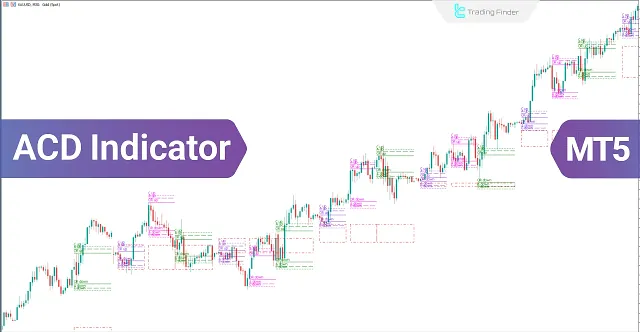
ACD Indicator for MetaTrader 5 Download - Free
The ACD indicator is a technical analysis tool in MetaTrader 5 developed by Mark Fisher and can also be used as a trading strategy. This tool is highly suitable for detecting daily price trends.
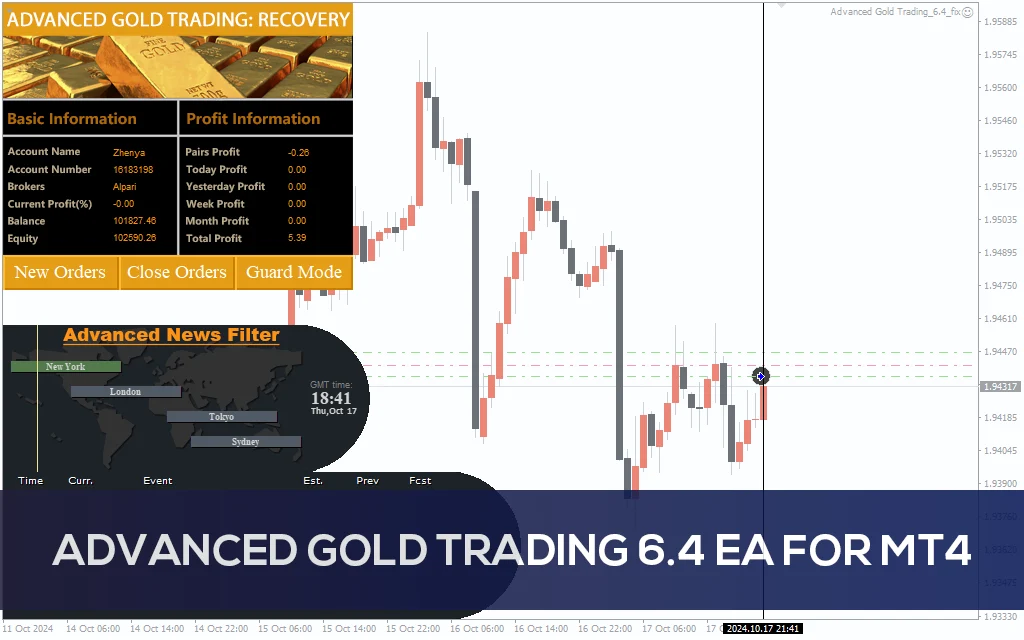
Advanced Gold Trading V6.4 EA MT4
Advanced Gold Trading V6.4 EA MT4 CATEGORY: MT4 EXPERTS
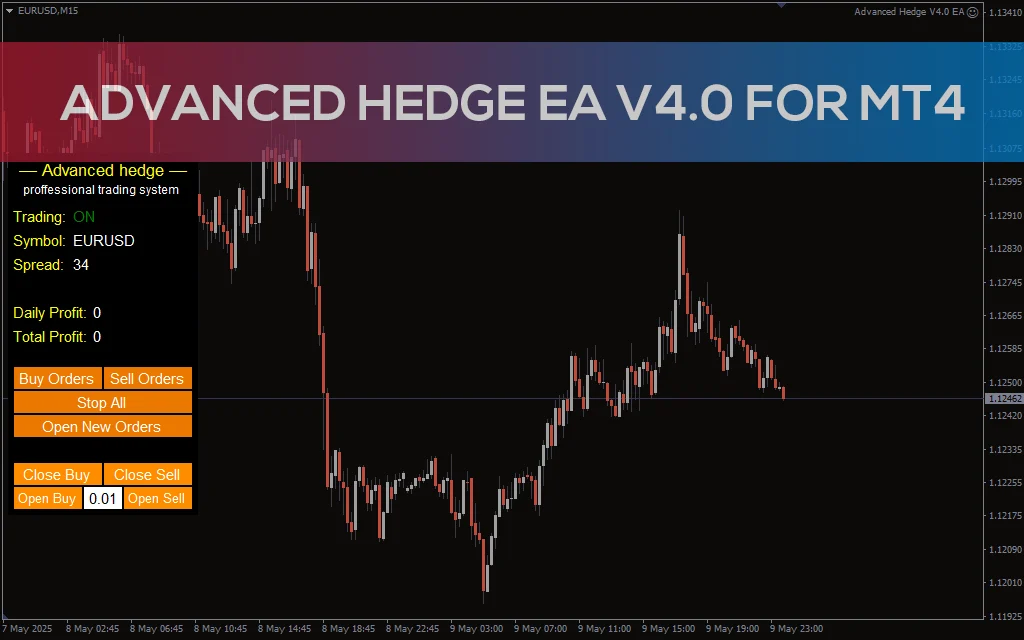
Advanced Hedge EA V4.0 MT4
Discover the Advanced Hedge EA V4.0 for MT4. This powerful automated trading tool helps users manage multiple hedged positions while optimizing profits and minimizing risks. Perfect for Forex traders who seek a reliable and sophisticated hedging strategy. CATEGORY: MT4 EXPERTS
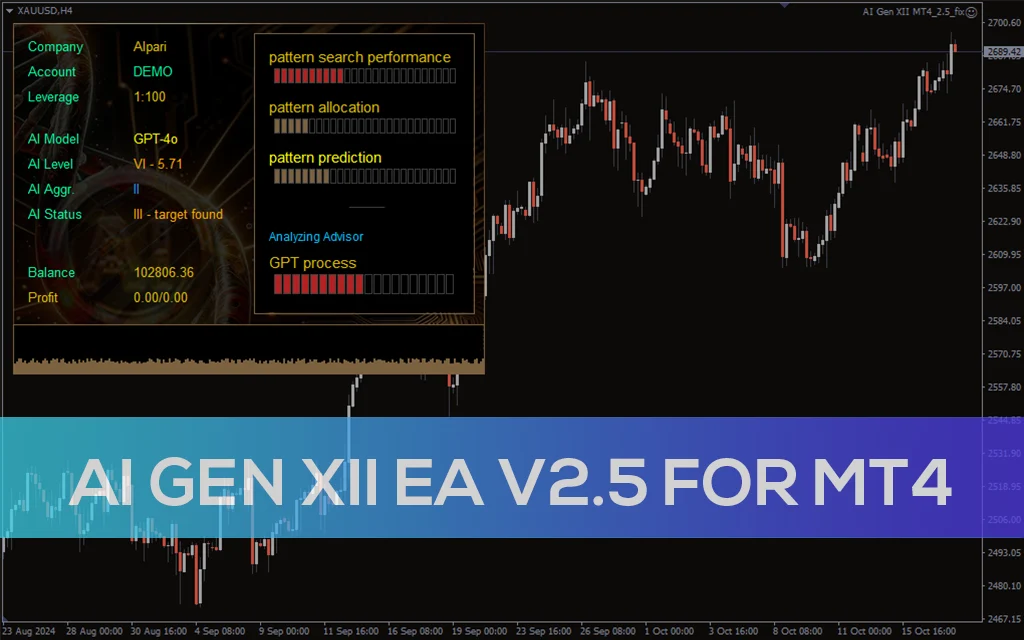
AI Gen XII EA V2.5 MT4
A sophisticated AI-driven AI Gen XII EA V2.5 that leverages machine learning for pattern prediction and high-frequency trading on MT4.