
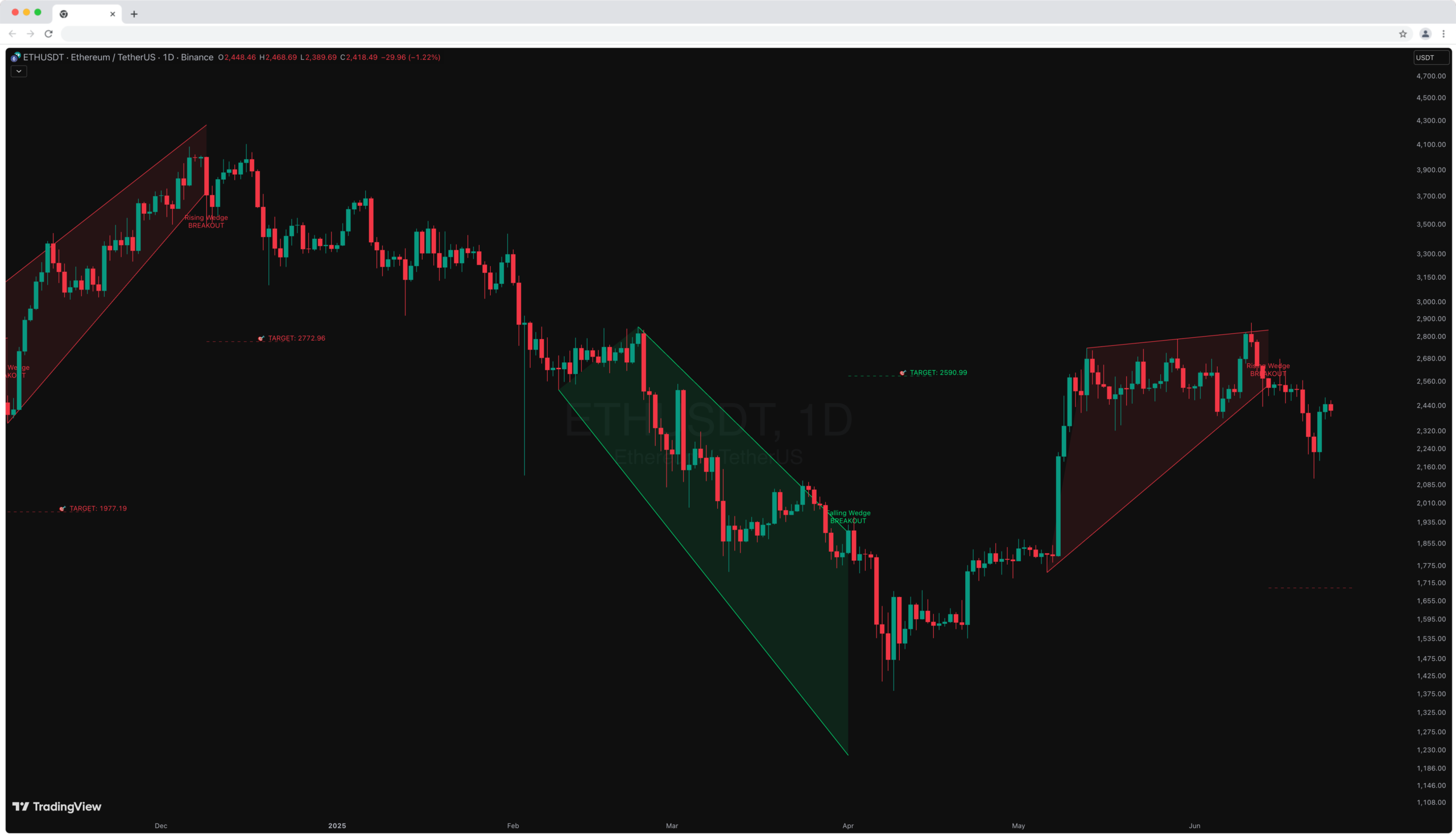
Wedge Pattern [InfinityAlgo] Free Download
Wedge Pattern is a chart overlay that detects rising and falling wedge formations using strict pivot based rules and a validation engine that enforces classic technical analysis requirements. The script builds two trendlines from confirmed pivot highs and pivot lows
Overview
Wedge Pattern is a chart overlay that detects rising and falling wedge formations using strict pivot based rules and a validation engine that enforces classic technical analysis requirements. The script builds two trendlines from confirmed pivot highs and pivot lows, verifies that both boundaries converge toward an apex in the future, and ensures that price remains contained within the wedge until a valid breakout occurs.
The indicator is designed to reduce subjective pattern drawing. It requires a minimum number of touches on each boundary, checks that no candle closes outside the wedge during formation, and treats the wedge as invalid if price breaks in the wrong direction or if the two boundaries collapse into each other. When a breakout is confirmed, the script updates the wedge label and can project a measured target based on the initial wedge width.
This tool is meant for traders who want automatic, rules driven wedge identification with clear status states, breakout confirmation, and optional target projection on the chart.
🔹 Features
1) Pivot Based Wedge Construction
The script identifies swing highs and swing lows using pivot detection. Each confirmed pivot is stored as a Coordinate containing bar index and price. When enough pivots exist, the script forms:
An upper trendline from the earliest required pivot high to the most recent pivot high
A lower trendline from the earliest required pivot low to the most recent pivot low
Pivot Left and Pivot Right control swing sensitivity. Larger values produce fewer but stronger pivots. Smaller values react faster but may include minor swings.
2) Minimum Touch Requirement Per Boundary
A wedge is only considered valid when there are at least a user defined number of pivot touches for both the upper and lower boundary. This aligns with standard charting practice where two points draw a line, but three points validate it.
Min Touches per Line controls the minimum pivot count required before a wedge can be formed.
3) Objective Wedge Type Classification
After calculating slopes for the upper and lower trendlines, the script classifies wedge type using slope direction and relative steepness:
Rising wedge requires both slopes to be positive and the lower slope to be steeper than the upper slope
Falling wedge requires both slopes to be negative and the upper slope to be steeper than the lower slope in the negative direction
This ensures convergence and distinguishes wedges from simple channels.
4) Apex Projection and Future Convergence Rule
The wedge apex is computed as the intersection point of the two trendlines. A valid wedge requires the apex index to be in the future. This confirms that the boundaries are converging and that the pattern is not already expired at detection time.
5) Mandatory Containment Rule During Formation
A core validation rule enforces that no closes occur outside the wedge boundaries while the wedge is forming. If any close is above the upper boundary or below the lower boundary by at least one tick, the candidate wedge is rejected. This prevents premature breakouts from being treated as valid patterns.
6) Live Updating Boundaries
Once a wedge becomes active, the script extends both boundary lines on every bar by updating their end coordinates using the trendline slope. This keeps the wedge aligned with current time and allows breakout checks to remain accurate.
7) Breakout Detection and Status Labeling
The script defines correct breakouts by wedge type:
Rising wedge is bearish biased, so a valid breakout is a close below the lower boundary
Falling wedge is bullish biased, so a valid breakout is a close above the upper boundary
When a valid breakout occurs, the wedge status is updated to BROKEOUT and the label color reflects direction. If price breaks the opposite boundary, or if boundaries collapse, the wedge is marked FAILED.
8) Target Projection Using Measured Move
If enabled, the script projects a target line after breakout. The target distance is based on the wedge width measured near the start of the pattern, then projected from the breakout boundary:
For a rising wedge breakdown, the target is placed below the lower boundary by the measured width
For a falling wedge breakout, the target is placed above the upper boundary by the measured width
A target label prints the projected price level.
🔹 Calculations
1) Pivot Detection and Coordinate Storage
Swing points are detected using symmetric pivots:
Confirmed pivots are stored using the pivot right offset so the bar index matches where the pivot actually formed:
Arrays are capped to keep only recent pivot history.
2) Trendline Construction and Slope Calculation
When enough pivots exist, the script picks the earliest required touch and the most recent touch for both highs and lows, then builds trendlines:
Slope is defined as:
The same logic is used for the lower trendline from pivot lows.
3) Wedge Type Rules
Wedge type is derived from slope sign and convergence:
Rising wedge:
Falling wedge:
This ensures both boundaries move in the same direction while converging.
4) Apex Index Calculation
The apex index is calculated from the line intersection of the two trendlines:
A candidate wedge is only accepted if apex index is greater than the current bar index.
5) Containment Validation Using Close Prices
The script checks each bar from the wedge start to the current bar to ensure that close remains within boundaries:
If violated is true, the wedge is rejected.
6) Live Boundary Update and Breakout Checks
For active wedges, end coordinates are updated each bar using the projected boundary price:
Breakout checks use the current close against projected boundary prices:
Correct breakout:
Rising wedge requires b_dn
Falling wedge requires b_up
Invalidation:
Rising wedge fails if b_up
Falling wedge fails if b_dn
Any wedge fails if upper boundary price is less than or equal to lower boundary price
7) Target Projection
Measured width is derived from the initial distance between boundaries near the start of the wedge, then projected from the breakout side:
The target line and label are drawn forward a fixed number of bars to provide a clear reference after breakout.
Related Products
100% This Pine Script™ code is subject
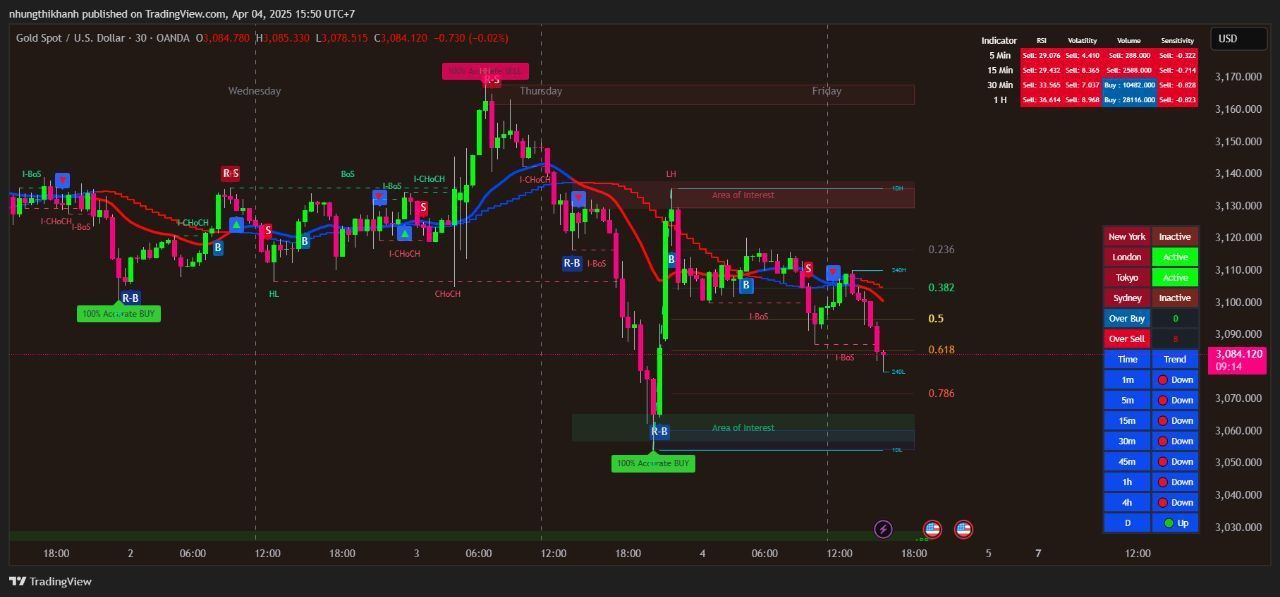
The Apex Trend & Liquidity Master is a hybrid trading system designed to align traders with the dominant market trend while identifying key structural price levels. Unlike simple moving average crossovers or standalone support/resistance tools, this script integrates a volatility-adaptive "Trend Cloud" with a "Smart Liquidity" engine.
80+ Pro TradingView Indicators Bundle – Trade Smarter with One Powerful System
An exclusive TradingView indicators package featuring 80+ professional tools designed for precise market analysis and smarter trading decisions. This all-in-one bundle covers trend detection, entry and exit signals, risk management, and advanced market confirmation—ideal for traders who want powerful insights in one premium package.
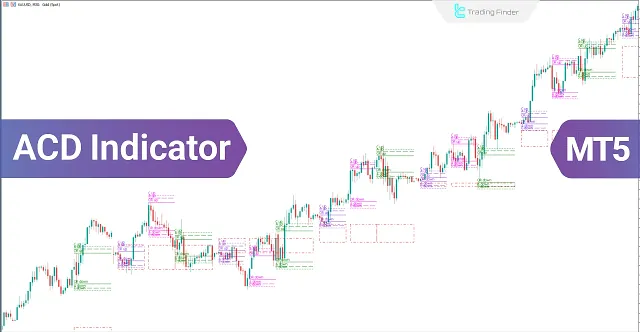
ACD Indicator for MetaTrader 5 Download - Free
The ACD indicator is a technical analysis tool in MetaTrader 5 developed by Mark Fisher and can also be used as a trading strategy. This tool is highly suitable for detecting daily price trends.
Advanced Gold Trading V6.4 EA MT4
Advanced Gold Trading V6.4 EA MT4 CATEGORY: MT4 EXPERTS
Advanced Hedge EA V4.0 MT4
Discover the Advanced Hedge EA V4.0 for MT4. This powerful automated trading tool helps users manage multiple hedged positions while optimizing profits and minimizing risks. Perfect for Forex traders who seek a reliable and sophisticated hedging strategy. CATEGORY: MT4 EXPERTS
AI Gen XII EA V2.5 MT4
A sophisticated AI-driven AI Gen XII EA V2.5 that leverages machine learning for pattern prediction and high-frequency trading on MT4.